Online lessons info
When travel or quiet neighbours get in the way, we move the same lesson plan to a dual-device video setup.
Setup
What you need at home
We prefer two apps at once so video and student audio stay clean. One device carries the teacher video feed; a second phone or tablet carries your kit or hand-drum sound to us. Headphones on the video device prevent echo.
- Laptop or tablet for the video meeting link (Google Meet preferred)
- Phone or second device for audio to the teacher (Meet, Skype, or similar)
- Normal headphones on the video device
- Camera that can see your hands and kit (or cajón / djembe)
- Stable Wi-Fi — wired ethernet helps when neighbours stream heavy video
Acoustic kit online
Place a phone near the snare and kick so we hear both. Start quieter than you would in the studio; we will ask for volume changes. USB microphones improve clarity if you already own one, but they are not required for a first trial.
Electronic / mesh kits
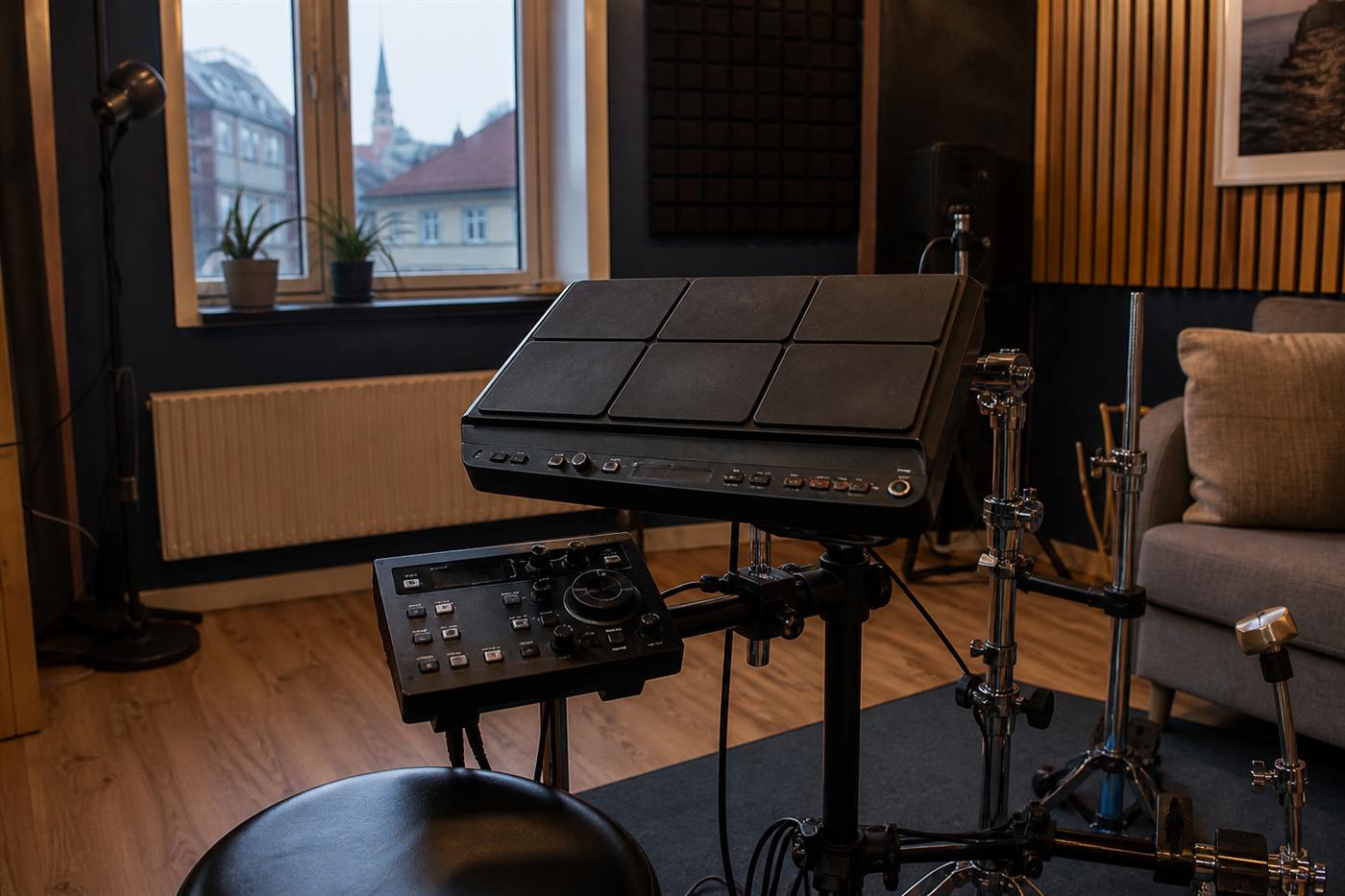
Route the module headphone out carefully. Many students hear play-along tracks through Meet while sending module audio on the second device. We can also coach pad technique and quiet practice habits for apartment living.
Hand percussion online
Cajón and djembe translate well on a phone mic. Frame the camera so we see both hands. A USB mic helps if the room is lively, but phone audio is enough to start.
- Join five minutes early and mute the video-app microphone
- Keep the audio-app microphone open toward your instrument
- Test once with us before the first paid card if you are unsure
Booking online sessions
Online slots use the same lesson cards as studio visits. Write to [email protected] with your setup and preferred times, or use the contact form.